
The book is in your library, the cover appears on screen, and you have an hour to read. Then you disconnect from Wi-Fi and discover that the next chapter will not open.
A book appearing in a library does not always mean its contents are stored on your laptop. Browser readers, downloaded files and reading apps handle access differently. Start with the books you want to read and where you expect to read them.
Decide Which Books You Need Offline
Start with your current reading rather than downloading your entire library. Perhaps you need a novel for the train and a reference book for a weekend away. Those are the titles worth checking first.
Look for the download or offline-reading option offered by the publisher, retailer or library service. Some services let you save a file; others keep the book inside their own app. A browser bookmark usually takes you back to a page and should not be treated as a downloaded copy.
Once the download finishes, disconnect from the internet and reopen the book. Jump beyond the first few pages. Check a later chapter and, if they matter, illustrations or footnotes. This small test answers the practical question that a cover image cannot: can you read what you need without a connection?
For a borrowed title, check the loan period as well. Offline availability does not remove lending conditions. If the book will expire during your trip, handle any available renewal before leaving.
A second, fully downloaded book gives you something to read if the first title needs an account check or develops a problem.
Check the File Format and Your Reading App
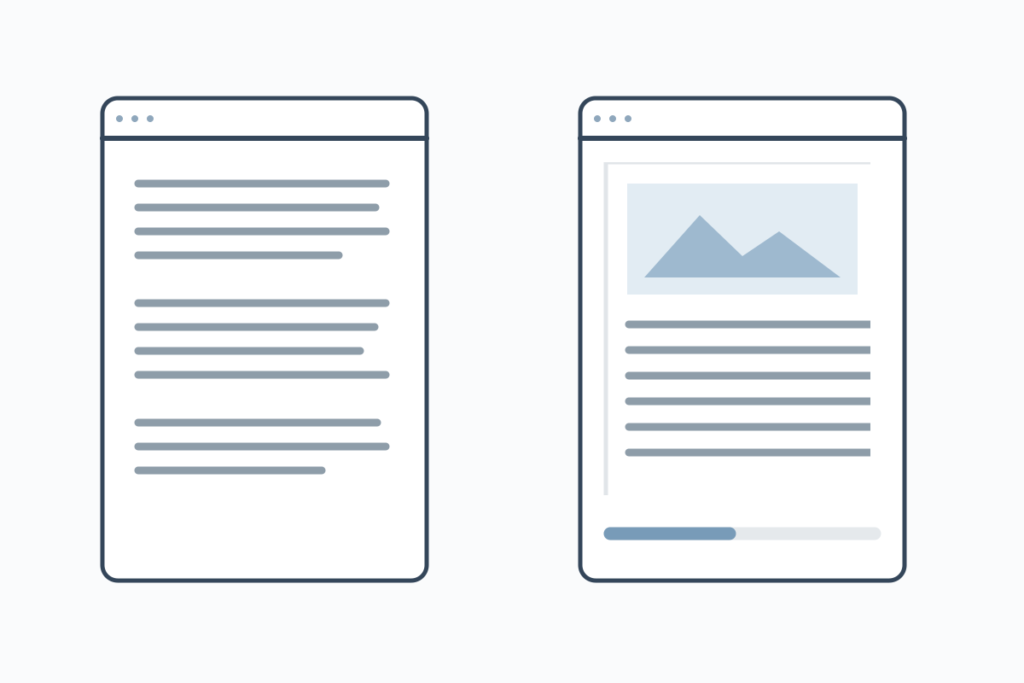
For books supplied as files, look at the format before choosing software. EPUB is often a good fit for continuous reading because text can adjust to the window and your chosen type size. PDFs generally preserve the page layout, which can be useful for diagrams, worksheets and page-specific references.
The difference becomes obvious on a small laptop screen. A fixed page may require zooming and sideways scrolling, while a reflowable book can fit the available width. Try a few pages of the actual title; an EPUB with complex formatting may behave differently from a straightforward novel.
On a Mac, Apple Books can import many EPUB files and add PDFs to your library. PDFs open in Preview or your default PDF reader. Some files supplied by stores or lending services require their associated app, so follow the provider’s instructions if an import fails.
Avoid turning a compatibility problem into a search for random converters. First confirm the file type, whether the download completed and which app the provider specifies. A file that belongs to a particular lending system may need that system’s software rather than a different format.
Before settling on a reader, also try the features you will actually use. Increase the font size, search for a phrase and add a note. If you are reading for study, knowing how to find your annotations again matters more than having an elaborate virtual bookshelf.
See also: Buy Kava For Sale In Bulk From Mitra9—A Brand That Has Gained Attention From New Buyers
Understand What Happens During Downloads and Syncing
A downloaded book may open without any connection, while its reading app still goes online to sync notes or check an account. Review the app’s settings to see which activities need internet access.
If you download or sync on shared Wi-Fi, a free VPN can add privacy by encrypting traffic between your device and the VPN server. HTTPS already protects transfers on properly secured websites; using a VPN also means trusting its provider.
The connection tells you nothing about the file’s safety or who has permission to distribute it. Get books from publishers, retailers, libraries or other authorized sources.
A reading service can still associate activity with your signed-in account when you use a VPN. If you want to control whether progress and annotations are synced, use the reader’s own settings.
Keep Your Reading Setup Simple Across Devices
Use one main reading app where it suits your books, with a second only when a format or lending service requires it. Give downloaded files recognizable names and keep them in a folder you can find without searching your browser history.
If you want a VPN for downloading and syncing on your laptop, X-VPN for Mac offers free access without requiring an account.
Before switching from laptop to phone, let your reading app finish syncing if you rely on that feature. Imported files and annotations may not travel between different apps, even when both can open the same book. Test with one unimportant note before trusting the setup with a chapter’s worth of study material.
Keep a backup of your own ebook files and exportable notes where the app and licence allow. Once the book opens offline and your notes are easy to find, you can settle into reading without another round of setup.