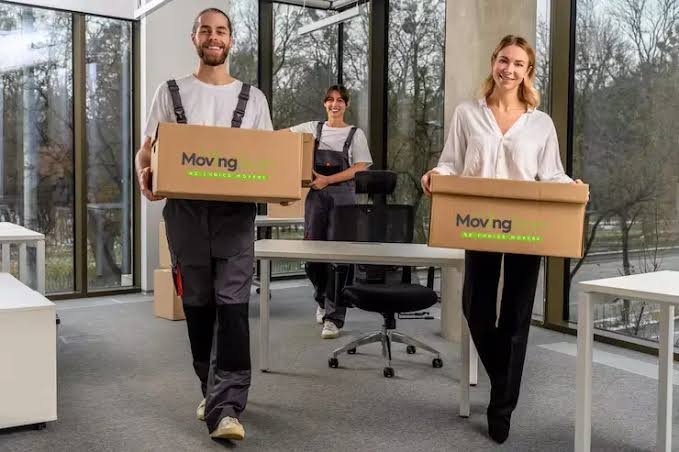
Hybrid work has changed how Auckland businesses use office space and how they move. A relocation now involves more than desks, chairs, files, and equipment. Leaders must coordinate staff who work on different days, protect remote-work systems, and keep essential services running. A practical plan starts by matching the move schedule to the way each team works.
Start With a Realistic Occupancy Plan
Before booking a move date, review how staff use the office over a typical fortnight. A team that appears to need a full floor may occupy only part of it on certain days, while meeting rooms, shared desks, storage areas, and kitchen equipment still require careful planning.
Create a simple inventory that records each item, its current location, its destination, and the person responsible for it. Include equipment that employees take between home and the office, such as monitors, docking stations, headsets, and ergonomic accessories.
Hybrid schedules also affect access. If staff work remotely during the move, assign a contact person who can answer questions, approve decisions, and confirm where shared equipment belongs. This prevents delays when an item has no obvious owner.
Choose Movers Who Understand Business Interruptions
An office move affects customers, suppliers, staff, and daily operations. The right moving plan must account for loading access, building rules, lift bookings, parking, security requirements, and the time needed to reconnect essential equipment.
Businesses comparing office movers in Auckland should ask how the provider manages furniture, documents, office equipment, packing, unpacking, and storage. It also helps to confirm whether the moving team can work outside normal office hours or divide the move into stages. These details matter when some employees remain active while others change locations.
Ask for a written scope before work begins. It should identify what the movers will pack, what staff must prepare, which items need special handling, and who checks the new premises. Clear responsibilities help reduce confusion on moving day.
Divide the Relocation Into Manageable Stages
A staged move suits hybrid teams because it avoids sending every department to a new location at once. Start with items that do not affect daily work, such as archived files, spare furniture, display materials, and surplus stationery.
The next stage can cover teams that already work remotely for part of the week. Their desks and equipment can move while they work from home, provided they receive clear instructions about access and delivery times.
Use a short checklist to control each stage:
- Label every box with its destination, owner, and unpacking priority.
- Photograph cable connections before disconnecting shared equipment.
- Separate confidential documents from general office materials.
- Confirm the receiving area before dispatching each load.
A staged approach also exposes problems early. If a desk doesn’t fit, a cupboard needs to move, or a network point is missing, we can fix the issue before the next department moves in.
Protect Technology and Confidential Information
Hybrid offices often depend on laptops, screens, printers, meeting-room equipment, servers, and secure documents. Treat these items as part of the operational plan, not ordinary furniture.
The internal technology team should decide who disconnects, packs, transports, reconnects, and tests each device. Movers can handle physical transport, but the business must control passwords, access permissions, backups, and data-bearing equipment.
Paper records need the same care. Use labelled containers for active files, archived records, and materials approved for disposal. Keep a record of who packs confidential items and who receives them at the new site. Avoid leaving boxes in shared corridors or unlocked rooms between stages.
Test the systems that staff need first, including internet access, phones, printers, meeting-room displays, and shared drives. A desk may be physically ready, but it isn’t operational until the user can work.
Design the New Office Around Actual Work
A hybrid relocation is a chance to check whether the new layout supports real behaviour. Assigning a fixed desk to every employee can waste space if attendance varies, while too few quiet areas can make remote meetings difficult.
Map the activities that need dedicated settings. Private calls require acoustic separation, group work needs suitable tables, and focused tasks need areas with limited interruption. Store shared equipment where employees can reach it without crossing active meeting areas.
Give each team a clear arrival guide with the new address, entry instructions, desk or room allocation, equipment arrangements, and a named contact for problems. People returning on different days should receive the same information, even if they are not present during the move.
After the first week, collect specific feedback. Ask which items are hard to find, which rooms are overused, and which equipment needs moving. Small adjustments can improve the office without requiring another large relocation.
Conclusion
The Auckland office moves now work best when they follow staff attendance, equipment needs, and business priorities. Begin with an accurate inventory, divide the work into stages, assign responsibility for technology and documents, and test essential services before each team returns. Confirm the plan with the building and moving provider early, then review the layout after occupation so the new office supports the way people work.