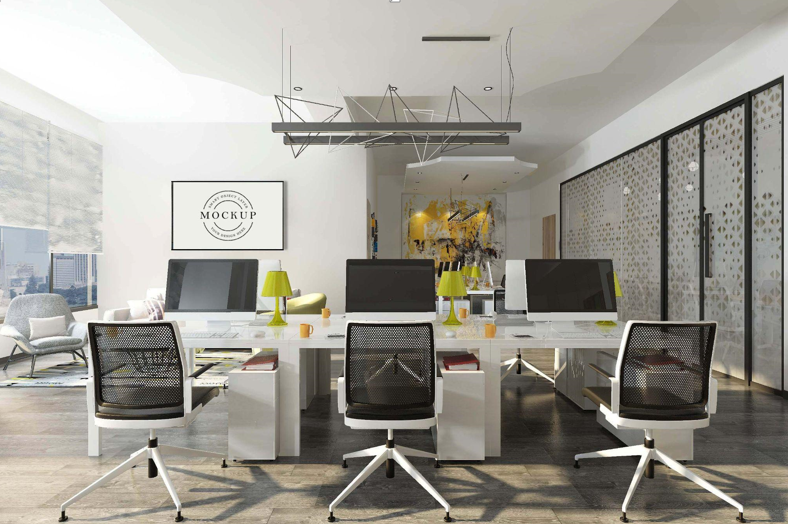
The first day in a private office space for rent often feels promising: clean desk, quiet door, fresh start. Then reality shows up – glare hits your screen at the same hour every day, cables creep across the floor, and the chair makes your shoulders climb by lunchtime. Office décor fixes those issues when it’s treated like a working setup, not a styling project. The point is simple: fewer distractions, less physical strain, and a room that stays easy to use.
A productive office doesn’t need a big budget. It needs decisions that hold up under daily use: where the desk sits, how light lands, how sound behaves, and where objects go when you’re done with them.
The “Sit Down and Start” Scene
Picture this: you enter the office, close the door, sit down, and begin a real task in under a minute. No moving piles. No hunting for a charger. No adjusting the monitor angle five times. That smooth start is not luck – it comes from the room’s defaults. Great décor makes good behavior effortless. Bad décor makes you negotiate with your workspace every morning.
Keep that scene in mind as a standard. Every change below should make that start faster.
Desk Placement That Cuts Glare Instead of Fighting It
Glare is not a mystery; it’s geometry. Light reflects off the screen when a bright source lands at the wrong angle.
What causes the problem: a window or bright lamp sits directly behind your screen, or directly behind you. The display becomes reflective, contrast drops, and your eyes work harder.
What fixes it: place the monitor so windows are to the side of the screen. Side light keeps the room bright without turning the display into a mirror. If daylight still causes reflections, diffuse it with blinds or curtains. Diffusion changes harsh beams into softer light that is easier on screens and eyes.
A small detail that matters: glossy décor near your workstation adds extra reflection points. Matte finishes around the desk reduce sparkle and glare.
Lighting With Layers (The Only Part That Should Feel “Designed”)
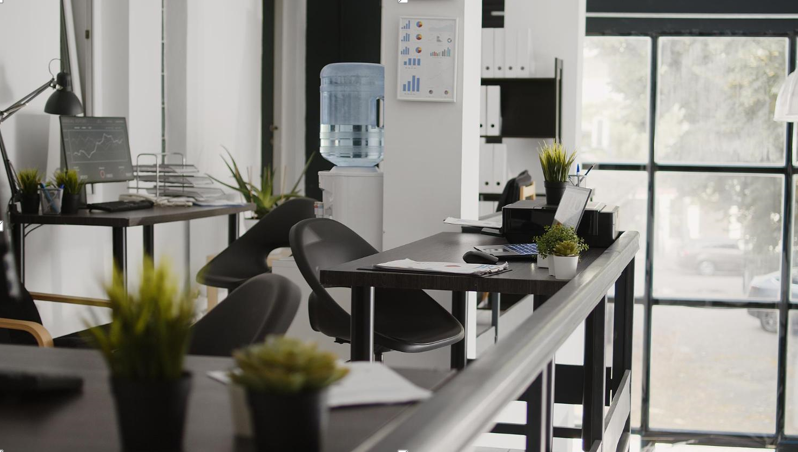
Instead of relying on a single overhead fixture, use layered light. This is one of the fastest ways to make an office feel calmer and more workable.
- Ambient light fills the room so contrast isn’t extreme.
- Task light lands directly on your work surface for reading and writing.
- Window control manages daylight so it stays helpful rather than blinding.
The practical payoff is measurable: fewer squints, fewer headaches, fewer “my eyes feel cooked” moments late in the day. Position task lighting so it illuminates paper and keyboards without shining into your eyes or reflecting on the screen.
Ergonomics as Measurements, Not Opinions
An ergonomic office setup sounds abstract until you treat it like a few simple measurements.
- Feet supported: flat on the floor or on a footrest.
- Lower back supported: the chair supports the natural curve of your lumbar spine.
- Arms neutral: elbows close to your sides; forearms roughly level when typing.
- Screen height: top of the monitor near eye level.
- Screen position: centered in front of you for primary work.
If a furnished office chair lacks lumbar support, a neutral lumbar cushion is a clean, practical décor choice. If your monitor sits low, a riser or monitor arm is usually tidier than stacking books and hoping it stays stable.
This is not aesthetics pretending to be health advice. It’s alignment: when the setup reduces strain, focus lasts longer.
Sound: The Hidden Decor Problem
An empty office with hard floors and bare walls often sounds “sharp.” That sharpness is sound reflecting off hard surfaces and bouncing back into the room.
Soft materials absorb sound energy. Hard materials reflect it. That’s the physics behind decorating for acoustic comfort.
If you take calls or do deep-focus work, three décor additions typically change the feel of the room:
- A rug with a dense pad (cuts echo and footstep noise)
- Curtains (reduce reflections from glass and large flat walls)
- Upholstered seating or fabric elements (adds absorption without looking technical)
Canvas wall art can also help; it tends to absorb more sound than a thin poster behind glass. The office won’t become silent, but it can become calmer – less “ringy,” more controlled.
The Desk: Styled for Work, Not Display
A productive desk has one job: create space to do tasks. Decoration here is mostly subtraction.
A useful rule is to keep only the tools that support your daily workflow on the desktop, then store the rest out of sight. The more objects you leave on the surface, the more often you reorganize instead of working.
Cable control is part of desk décor because it changes how clean the room feels and how safely you move:
- route cords under the desk edge with clips
- bundle cables instead of letting them sprawl
- keep power bricks off the floor when possible
When cables are contained, the room looks calmer and the chair rolls freely. That’s comfort and productivity in the same move.
See also: Enhancing Digital Presence for Businesses
Storage That Stops “Desk Creep”
Clutter returns when storage doesn’t match real life. The fix is not bigger shelves – it’s better categories.
Think in time horizons:
- daily items need the nearest home (top drawer organizer)
- active project items need a labeled home (bin or shelf section)
- reference/archive items need a separate home (file box or cabinet)
A small “landing spot” also matters. Keys, badge, earbuds, and spare cables always appear; give them a single tray so they don’t spread across the desk. This is one of the simplest ways to protect a clutter-free workspace without constant cleanup.
Color and Surfaces That Keep Attention Steady
Color choices influence how visually busy the office feels. For productive work, a restrained palette generally keeps attention on the screen and the task.
A clean structure works well:
- a light base (soft white, warm gray, beige)
- one muted secondary tone (often comfortable behind a monitor)
- one accent used sparingly (a lamp base, a print, a shelf object)
Surfaces matter as much as paint. Matte finishes reduce reflections. Wood tones add warmth without visual noise. Fabric softens the room visually and supports sound control at the same time.
This is how you get a room that feels intentional without demanding attention.
Personal Touches Without Visual Chatter
Personal décor can make an office feel stable and pleasant, but too many small items create constant micro-distraction.
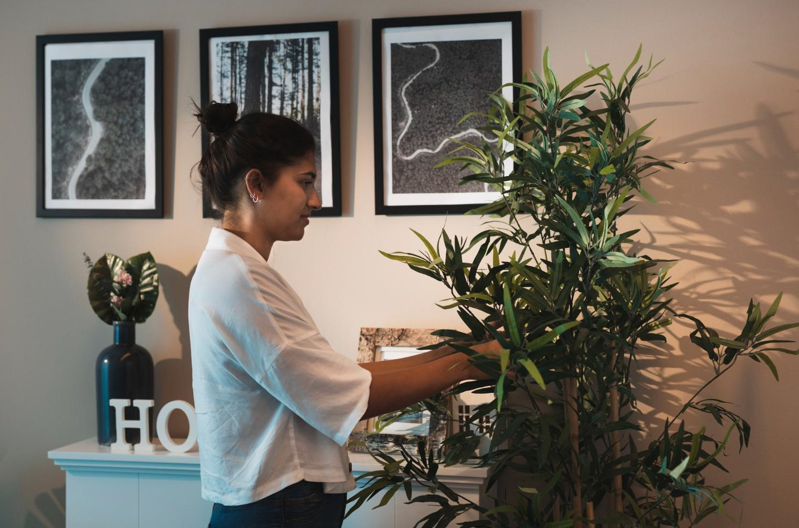
A practical constraint: keep personal items to one shelf zone and one wall zone. For example, one framed photo and one art piece is enough to make the office feel like yours. Plants are a solid choice because they soften the look of hard lines; common indoor office plants include snake plant, ZZ plant, pothos, and spider plant.
Put personality where it supports you – not where it competes with the work surface.